





Jasmine Birtles
Your money-making expert. Financial journalist, TV and radio personality.




 MoneyMagpie team
10th Jul 2021
MoneyMagpie team
10th Jul 2021
PCs can be expensive so with like any new gadget you buy, you’re probably going to be offered computer insurance when you get to the till.
You might be tempted to get the insurance there and then but don’t be fooled. On average electrical retailers are known to charge their customers three to four times more than necessary for insurance.
If your laptop gets pinched from your house or elsewhere, your home contents insurance might not cover it or you might not want to claim on it because it will make future insurance payments higher.
Most home contents insurance policies cover some additional items like computers that have already been specified by you. Do be aware, though, that there’s likely to be an upper-value limit. This means that they won’t pay out more than an agreed amount. If that amount is £1,500 and your computer’s worth £2,000 then you’ll only be able to claim £1,500.
 You must decide whether you think the cost of the premiums balances out the risk of your computer being stolen and the money you’d be awarded.
If your computer isn’t that expensive then the premiums are probably a waste of money and it would work out better to just buy a new machine. If you have a particularly glamorous and expensive laptop then it may be worth forking out for your own peace of mind!
Why is it different to a warranty?
The statutory manufacturer’s warranty covers the purchase for a year. It will normally be buried at the bottom of the box. Always read this before taking out computer insurance because it’s highly likely the two will significantly overlap. However, the warranty will only protect you if there’s a technical fault. You won’t be covered if the computer’s stolen. If your computer does get stolen, insurance will allow you to carry on your life or your business as quickly as possible by replacing what has been lost.
Check out the Moneymagpie article What you need to know about warranties for more information.
Sale of Goods Act
The Sale of Goods Act is a particularly useful Act that not enough people resort to. It protects the purchase of goods over their ‘expected useful life’. That means it won’t cover you forever, much as you’d like it to, but it will cover you for a few years. So it’s valuable protection for goods that have an expected ‘useful life’ that’s longer than the standard 12-month warranty. It means that if the product, such as a desktop or laptop computer, has an expected useful life of four years, its owner can get it repaired or replaced if it dies within that period, regardless of any warranties.
All computers should have a useful life of at least four years, so it’s a waste of money to buy an extended warranty for a desktop or laptop computer. Once again, this doesn’t help you out if you lose the computer, so that could be where insurance comes in handy.
There are lots of polices around and prices depend on how much cover you want. Don’t be sucked in to paying for things you don’t need. If you never take your computer abroad then don’t pay the extra £36.28 for worldwide cover.
Always shop around, get a selection of quotes and remember to read the small print! What are the excesses? What are the terms and conditions? Are there any exclusions?
It’s quite possible you may be penalised in a number of ways:

What won’t be covered by the insurance?
As with all technical equipment, computer insurance does not provide cover for items such as:
Make sure that if you lose your computer it’s not the end of the world. Back up your work to prepare you for any eventuality. Do not keep all email addresses on your computer but make sure they’re also stored on an external hard drive or in an address book (if you’re more traditional).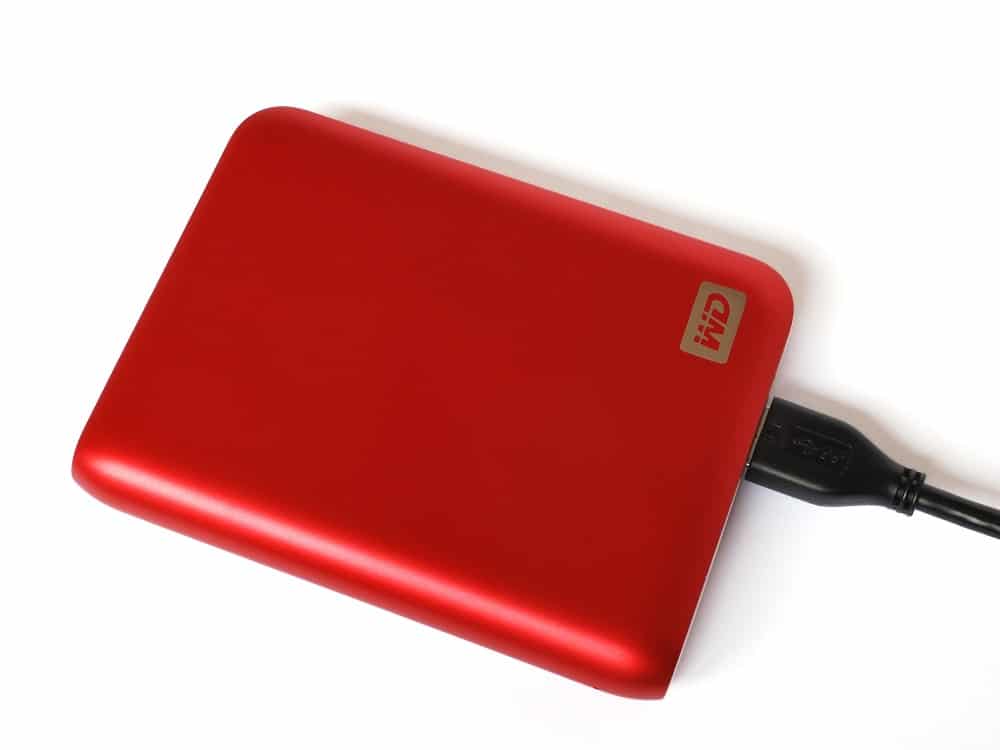
Keep your photos and favourite music backed up on external hard drives, discs and memory sticks.
For a business, backing up is essential and should be done constantly. For a personal computer you may only want to back up when you upload new, precious stuff.
Your money-making expert. Financial journalist, TV and radio personality.